Feels like hardware.
A fader and a mute button for each app. Gain changes are ramped smoothly while you drag.
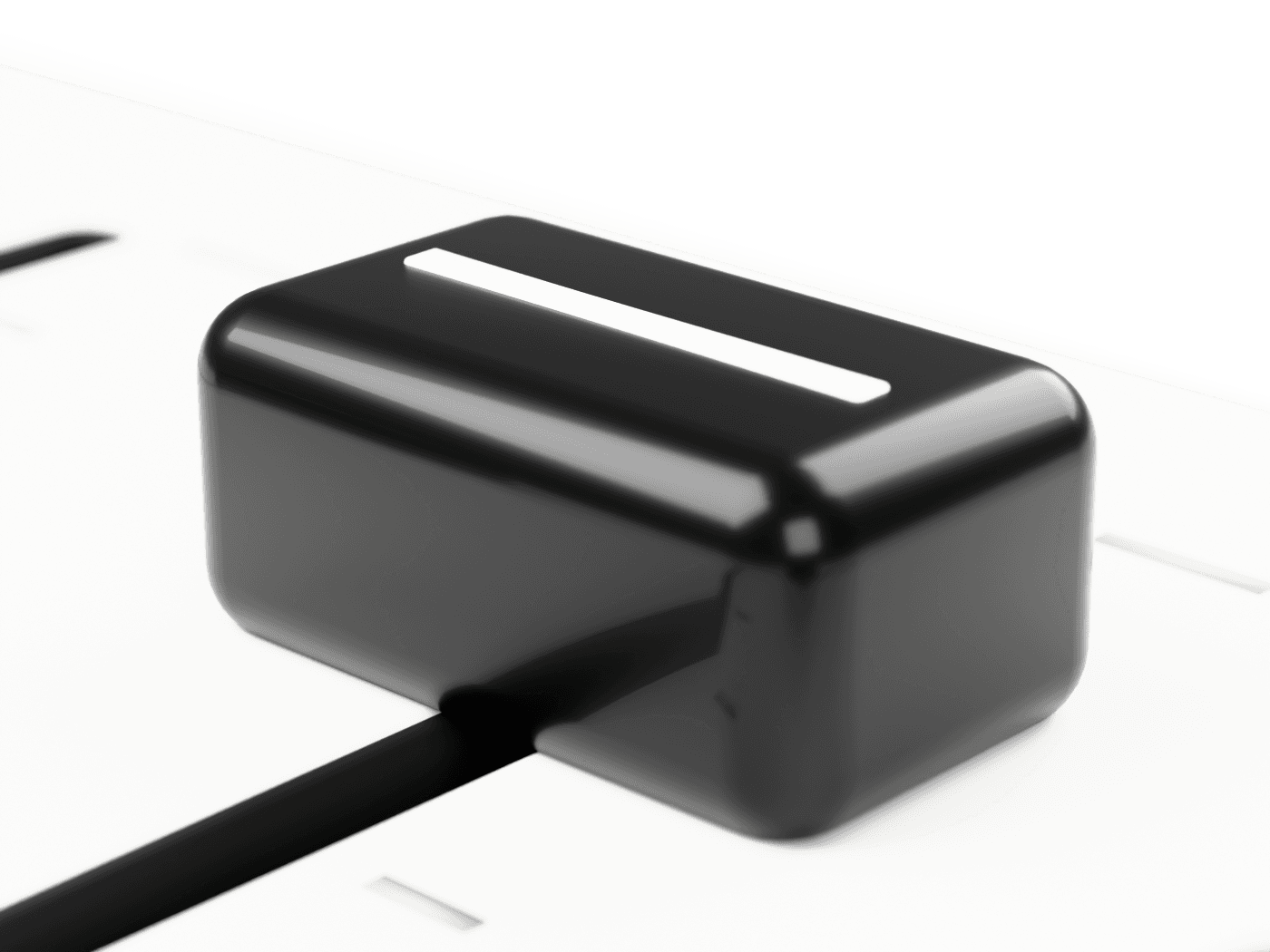
Levels lives in your Mac’s menu bar and gives each app its own volume. Turn the call down, keep the music up — no drivers, no kernel extensions, just Core Audio.
$brew install rafaelisdev/tap/levels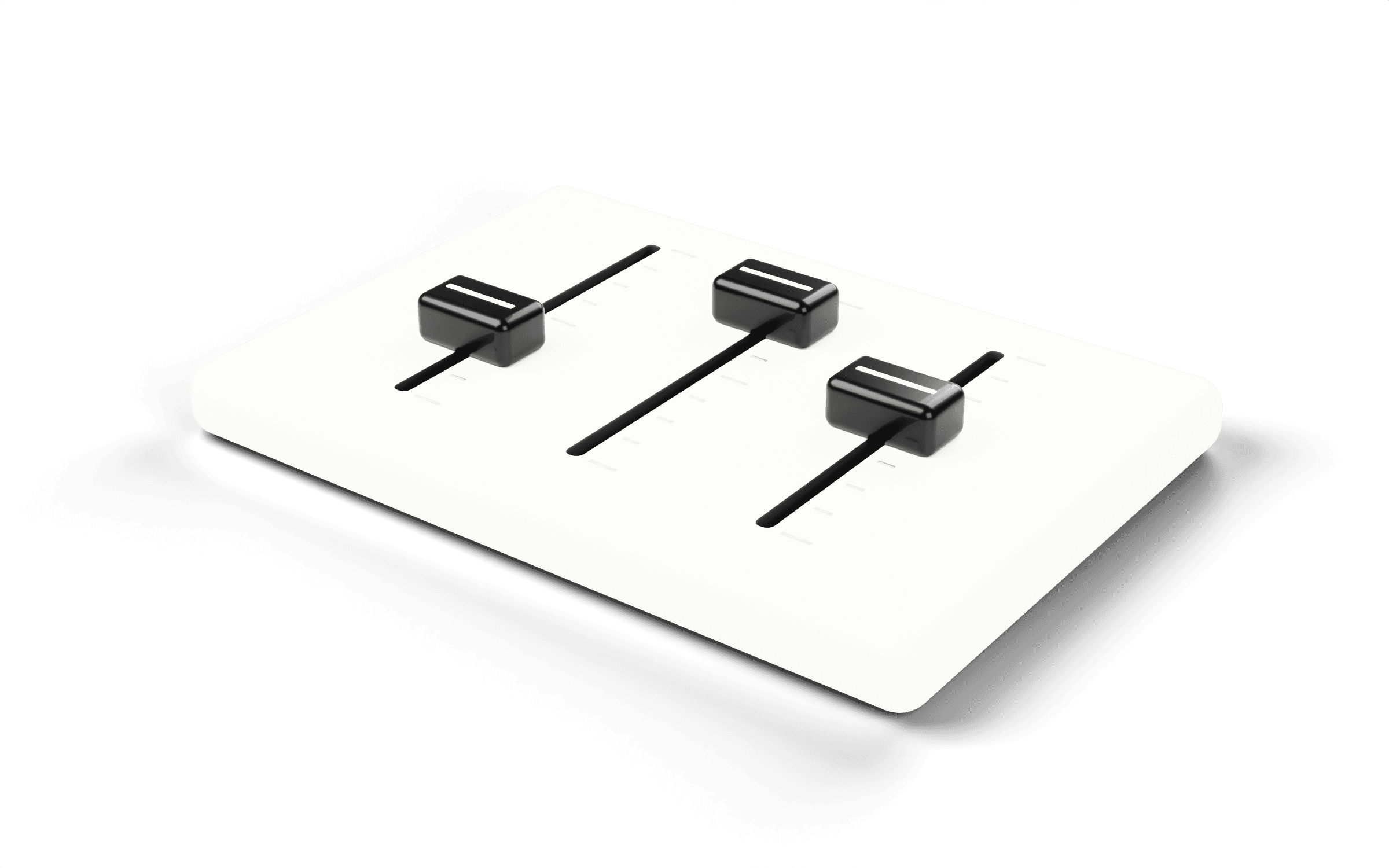
How it works
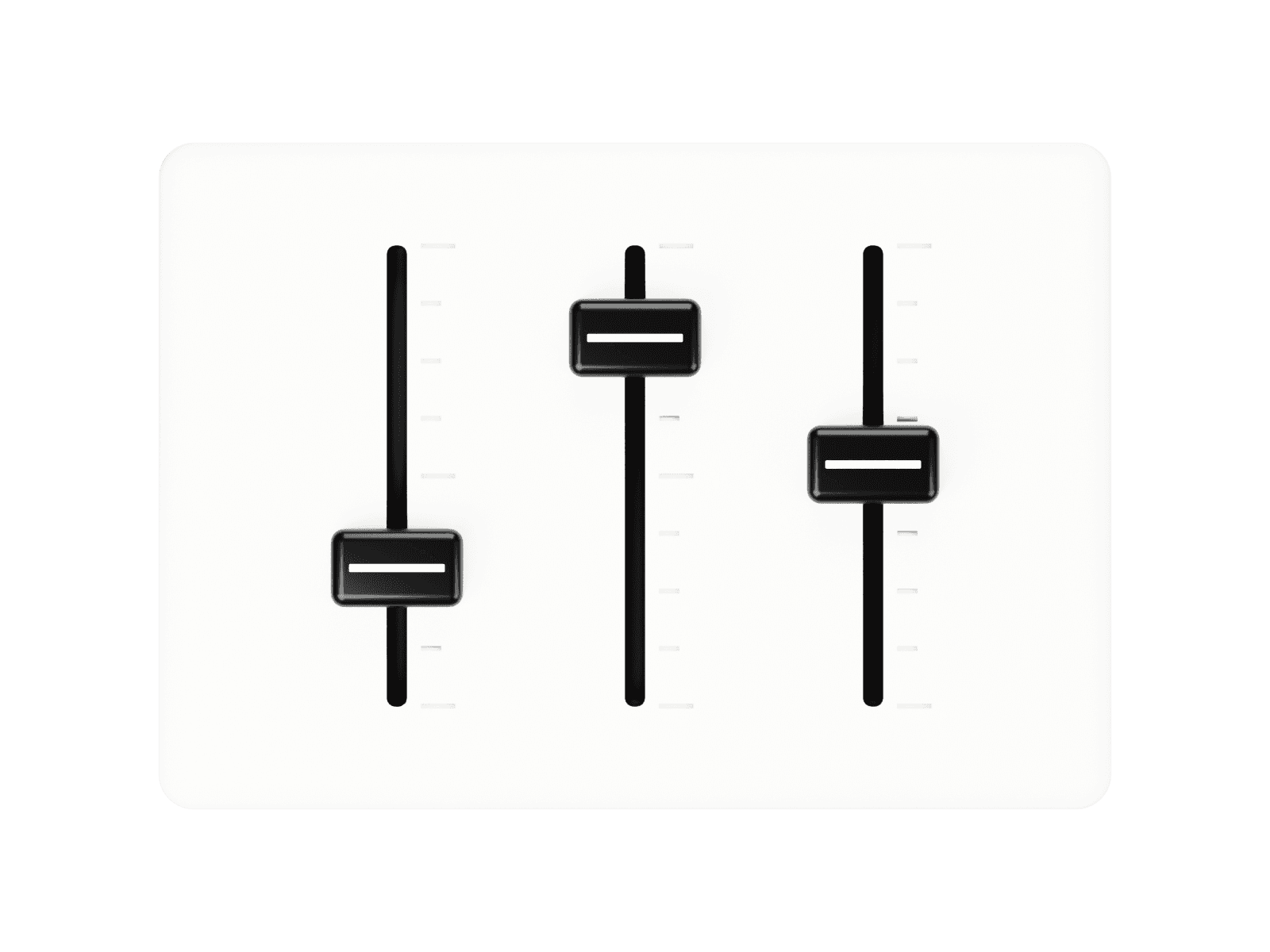
Every app that plays sound shows up with its own fader. This is the real panel, rebuilt for the web: drag the sliders, click an icon to mute.
Features
A fader and a mute button for each app. Gain changes are ramped smoothly while you drag.
Built on Core Audio process taps from macOS 14.2. Nothing is installed into the system.
Set your music to 40% once. Levels applies it every time that app starts playing.
If Levels quits, every app returns to its normal volume instantly. Audio never leaves your Mac.
That’s the whole download: one universal Swift app for Apple Silicon and Intel. No Electron, no background services.
No Dock icon and no windows. Levels opens from the menu bar, closes on Escape and can start at login.
Install
Or use the curl script: it downloads the latest release, checks its SHA-256 and moves Levels to Applications.
$brew install rafaelisdev/tap/levelsLaunch it from Spotlight or Applications (the curl script opens it for you). There’s no Dock icon: Levels lives in the menu bar. Click the faders icon to open the panel, press Esc to close it.
The first time, macOS asks for “System Audio Recording Only” access. Allow it once — Levels processes sound on your Mac and never records it.
brew upgrade levelsbrew uninstall --zap levelsFAQ
No. Levels uses Core Audio process taps, an API Apple added in macOS 14.2. Nothing is installed into the system, so there is nothing to clean up when you remove the app.
Per-app volume needs macOS 14.2 or later. Levels itself runs on macOS 11 Big Sur and later, on Apple Silicon and Intel; on older systems it controls the output device volume.
That permission is what lets an app take over another app’s sound to change its volume. Levels processes audio in real time on your Mac; it never records, stores or uploads anything.
Every app goes straight back to its normal volume. macOS only keeps an app routed through Levels while Levels is running.
Levels follows your Mac’s language: English, Español, Deutsch, Français, Português, Русский, 日本語, 简体中文 and 한국어.
Yes. Levels is free, and its source code is on GitHub.
$brew install rafaelisdev/tap/levels